Contactless Delivery Software: How to Run No-Touch Drop-Offs Across New Zealand
Drafted with AI assistance, edited and fact-checked by Sean Flannery. See our editorial policy.
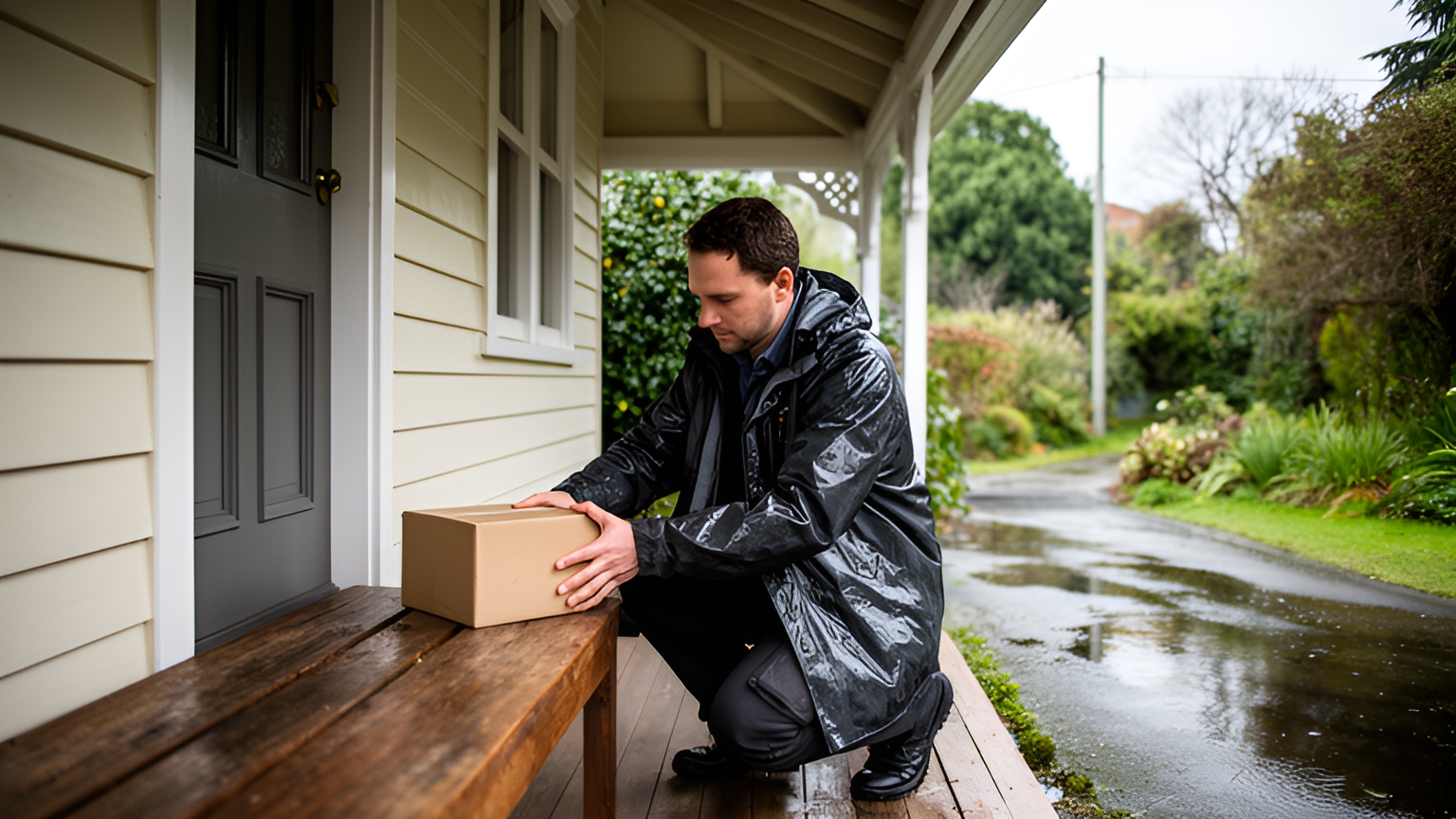
Contactless delivery software lets a driver complete a drop-off without a handover or signature. It sends the customer a live ETA, shows the driver the customer's safe-drop note and captures a timestamped photo at the door. For New Zealand operators, that clear record helps on busy Auckland streets and long rural runs alike.
The idea is simple. Doing it well across two islands takes a little more planning.
A safe-drop note has to make sense to a driver standing at an unfamiliar farm gate. An ETA has to stay honest when a state highway closes. And the photo has to answer the customer's question before they think to pick up the phone.
What contactless delivery software does at the door
Contactless delivery software organises a no-touch drop-off into three moments: before the driver arrives, at the door, and just after.
Before arrival, the software holds everything the driver needs for the stop. The customer's safe-drop note, the order details and the kind of proof that stop requires.
At the door, the driver follows the note, places the delivery and takes a photo with the time attached.
Just after, the customer gets a confirmation and your team gets a record it can search later.
Not every stop needs the same proof. A box of garden supplies can take a photo and a timestamp. A higher-value or age-checked item can still ask for a signature on the same route.
Getting that per-order setting right early is worth the effort. It lets you go contactless on everyday work without giving up a signature where one is genuinely needed.
Locate2u brings these pieces together: proof of delivery that captures photos, signatures and timestamps, live tracking links for customers, and route optimisation for the people planning the day. Both photo and signature deliveries sit in the same delivery history.
How photo proof gives every drop-off a clear, timestamped record
A good delivery photo does one job. It shows where the delivery ended up, clearly enough that someone who wasn't there can picture it.
That someone is usually your customer service team, a day or a week later, replying to a customer who just wants to know where their order landed.
Illustrative example: picture a hypothetical Christchurch homewares retailer whose customer messages on Monday about Friday's parcel. With a photo on file, the reply takes moments. The team sends the picture of the parcel beside the front door, tucked out of the weather, with the time it was taken.
No back-and-forth. No guesswork.
A few photo habits make every record more useful:
- Frame a landmark. Include the house number, letterbox or door so the location is obvious.
- Show the whole delivery. One wide shot is clearer than two close-ups that leave the placement uncertain.
- Keep the lens dry. On a wet day, a quick wipe turns a blur into a usable photo, which matters on the West Coast, New Zealand's wettest region.
- Take the photo after placing the delivery, so the image matches what the customer will find.
Timestamps do the rest. A photo with a time attached tells the customer when as well as where, and helps your team see how the day ran against the plan.
For drivers, a clear photo routine is reassuring too. Every stop finishes with a record that speaks for the work they've done.
Writing safe-drop notes that guide drivers to the right spot
A safe-drop note is the customer's own instruction for where the delivery should go. A good one turns an unfamiliar address into a quick, confident stop.
Good notes also help parcels land somewhere secure. The NZ Herald reports that a 2021 survey of 1501 Kiwi adults found one in eight had a parcel stolen in the last 12 months.
So the delivery-instructions field at checkout deserves real design attention, rather than sitting as an optional box at the bottom of the page.
The most useful notes answer a few plain questions. Where exactly should it go? What will the driver see when they arrive? Is there anything to know about access, such as a gate code or a dog in the yard? And what's the fallback if that spot can't be used?
Compare two notes for the same rural address. Leave at house gives the driver very little to go on. Second gate on the left after the cattle stop, covered porch at the back of the house, dog is friendly gets the delivery to the right spot first time.
In town, a good note points to a spot out of sight rather than a shared foyer or the top of an apartment letterbox. A neighbour the customer has named, or the building manager's office, makes a sensible fallback.
Make sure the note travels with the stop. When you look at a driver app, such as the Locate2u driver app, check that the customer's instruction appears on the stop itself, so nobody is scrolling through messages at the gate.
Then let customers update their note after they order. Plans change, and a customer who can switch to their neighbour's porch for the day saves everyone a step.
Keeping customers informed with live ETAs and tracking links
A contactless drop works best when the customer knows it's coming. A live ETA turns a vague delivery day into a window they can plan around.
Tracking links carry most of the load. The customer taps the link, follows the driver's progress and knows roughly when the delivery will arrive.
Pair the link with a text message at the moments that matter: when the order is on its way, when the driver is close and when the delivery is complete.
Keep SMS as a standard channel, with a phone contact for customers who prefer a call. That way updates reach every household, whether or not the customer uses a smartphone.
Locate2u's real-time tracking gives customers a live tracking link and gives your dispatch team a live view of every vehicle. A question about timing gets answered from the map instead of a call to the driver.
Planning around South Island snow, heavy rain and state highway closures
Winter changes the shape of a South Island delivery day.
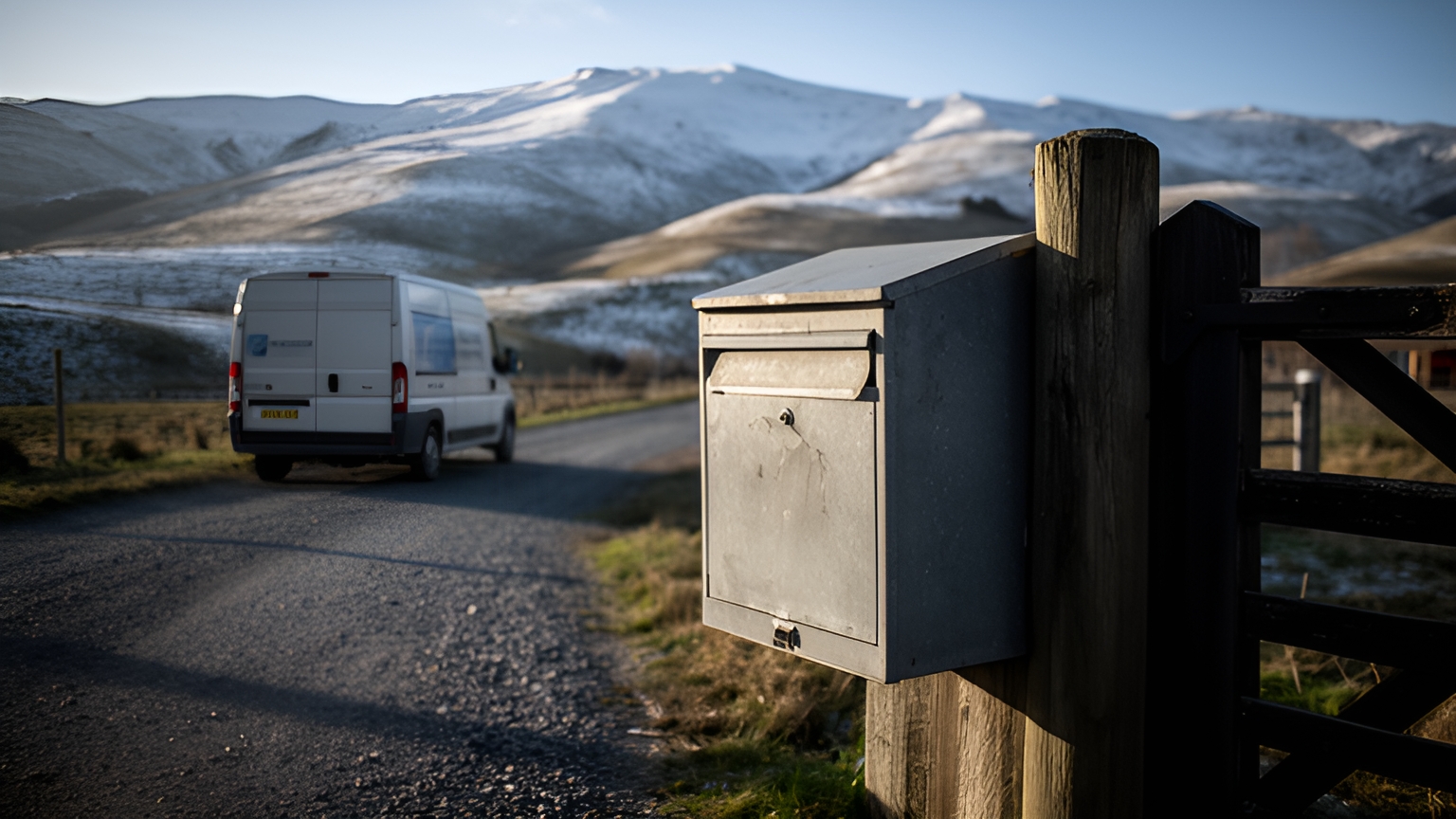
During a July 2026 South Island weather event, NZ Transport Agency Waka Kotahi encouraged road users to prepare for more snow, heavy rain or ice and the likelihood of further state highway closures.
For a delivery operator, that means the morning's route plan may need to change by lunchtime. Build the day so it can change without starting again.
At dispatch, check the latest road bulletins for the areas you serve. If a highway is closed, re-plan the affected stops before drivers head out.
When the plan changes, send updated ETAs straight away. A clear message today keeps tomorrow's delivery simple.
Ask customers in exposed or high-rainfall areas for a sheltered drop spot. On the West Coast and in alpine towns, a covered porch or an open garage beats the nearest doorstep.
If your network crosses Cook Strait, treat the ferry sailing as a fixed point in the plan. Freight bound for the other island needs to be ready for the crossing, and the customer's ETA should allow for it.
Weather affects people as well as roads. WorkSafe New Zealand lists climate extremes, such as working outside in winter, among the demands that increase worker fatigue.
Plan winter routes with that in mind. Realistic stop counts, sensible breaks and extra time for slower driving keep drivers comfortable and the day on track. For current requirements on managing fatigue, check with WorkSafe New Zealand.
Contactless drops help here as well. A driver who can follow a clear note and take a photo spends less time standing on a cold doorstep.
Balancing dense Auckland routes with longer rural runs
New Zealand's delivery map has two very different shapes: tightly packed city streets and long country roads. A fleet serving a whole region may run both in a single day.
Auckland keeps growing. Stats NZ projects that Auckland's population will reach 2 million by 2033.
That growth points to more apartment buildings and more stops packed into each suburb. Auckland routes benefit from tight sequencing and good building-access notes, so drivers spend their time delivering rather than searching for a way in.
Rural runs ask for the opposite. Fewer stops, longer gaps between them, and properties set well back from the road behind an RD address, where a landmark note does the heavy lifting.
Both carry real cost. A 2019 Capgemini Research Institute report found that the cost of providing last-mile services accounts for 41% of overall supply chain costs.
So the last leg is where planning time pays off. Every avoidable backtrack on the North Shore, or extra loop on a gravel road in the Waikato, adds to that cost.
Route optimisation handles both shapes of day. Locate2u generates routes from delivery locations, time windows and driver availability, and lets your team adjust the day's deliveries on the fly when a new order comes in.
A practical approach is to plan city and country work as separate runs, each with its own ETA expectations: tight windows for dense suburbs, wider ones for long rural loops.
How a building supplies business built clear delivery records with photo proof
Building sites suit photo proof well, because the person who placed the order isn't always standing at the drop point when materials arrive.
Franz Building Supplies' case study reports that it is a building materials and construction supply company delivering heavy and bulky products to construction sites, builders and trade professionals. Its customers rely on timely, accurate deliveries to keep projects on schedule.
The team wanted better visibility into its delivery operations and a reliable way to show each delivery was completed correctly, with a clear record of what was delivered, when and where.
It also wanted a system that would keep drivers on track, give management clear visibility of daily operations and lift the overall customer experience.
The company implemented Locate2u's proof of delivery, which captures photo evidence, signatures and timestamps for every delivery. Drivers now photograph each delivery on site, creating a record that both the company and the customer can refer to.
The team also began sharing live tracking links, giving customers real-time visibility of when their deliveries would arrive. The case study credits that transparency with setting clear expectations and removing the guesswork.
Reporting one business's result in its own words, the case study quotes the company: "What I love about Locate2u is the live-tracking features and proof of delivery. Our customer disputes dropped to nearly zero."
To test the approach on your own routes, pick one regular trade customer, share a tracking link on every order and require a photo at each drop for a fortnight. Then see how quickly your team can answer delivery questions from the record alone.
A buyer's checklist for choosing a no-touch delivery platform
When you compare contactless delivery software, test it on the work you actually do. The checklist below turns each section of this guide into something you can try during a demo.
| What to check | Why it helps NZ operators | How to test it |
|---|---|---|
| Proof type set per order | Photo for everyday parcels, signature where needed, on one route | Run a mixed test route and review the delivery history |
| Safe-drop notes on the stop | Rural gates and apartment access need clear instructions | Add a detailed note and check what the driver sees |
| Notification channels | SMS and tracking links reach customers with or without an app | Place a test order to yourself and follow each message |
| Customer-editable instructions | Plans change, especially in bad weather | Change a note after ordering and confirm the driver sees the update |
| Re-planning during the day | Highway closures and late orders can be absorbed without starting over | Add an urgent stop mid-route and watch how the plan adjusts |
| Searchable delivery history | Support answers questions from the photo and timestamp | Find a past delivery by customer name and open its record |
| Low-coverage behaviour | Rural and alpine areas can lose mobile signal | Ask how the driver app handles a photo taken without coverage |
Run these tests on your own addresses rather than a tidy sample route. A Northland dairy farm or a hillside apartment in Wellington will tell you far more about a platform.
For the wider picture beyond the doorstep, from dispatch to reporting, see the guide to delivery management software.
Frequently asked questions
Can photo-only and signature deliveries run on the same route?
Yes. Set the proof requirement per order, so everyday parcels take a photo and timestamp while higher-value or age-checked items still ask for a signature, and because Locate2u's proof of delivery captures photos, signatures and timestamps, both types sit in the same delivery history.
What should a driver do when the customer's safe-drop spot can't be used?
Agree a fallback rule before dispatch, such as an alternative sheltered spot, a neighbour the customer has named, or collection from your depot. The driver then records which option was used with a photo, so your support team can answer the customer straight away.
How do customers without a smartphone get delivery updates?
Offer SMS alongside tracking links and keep a phone contact for customers who prefer a call. When comparing platforms, check which notification channels are included and whether customers can add or change delivery instructions without an app.
How can a small team get started with contactless deliveries?
Start with one route: collect safe-drop notes at checkout, switch on tracking links and require a photo at every stop for two weeks. To see how this works on your own routes, book a call with the Locate2u team.
Contactless delivery runs smoothly when the note, the ETA and the photo line up. Start with the photo record, since it gives your team a clear answer to any delivery question, and build out from there with Locate2u's proof of delivery tools.